Pumpkin Lights 中文

Pumpkin Lights

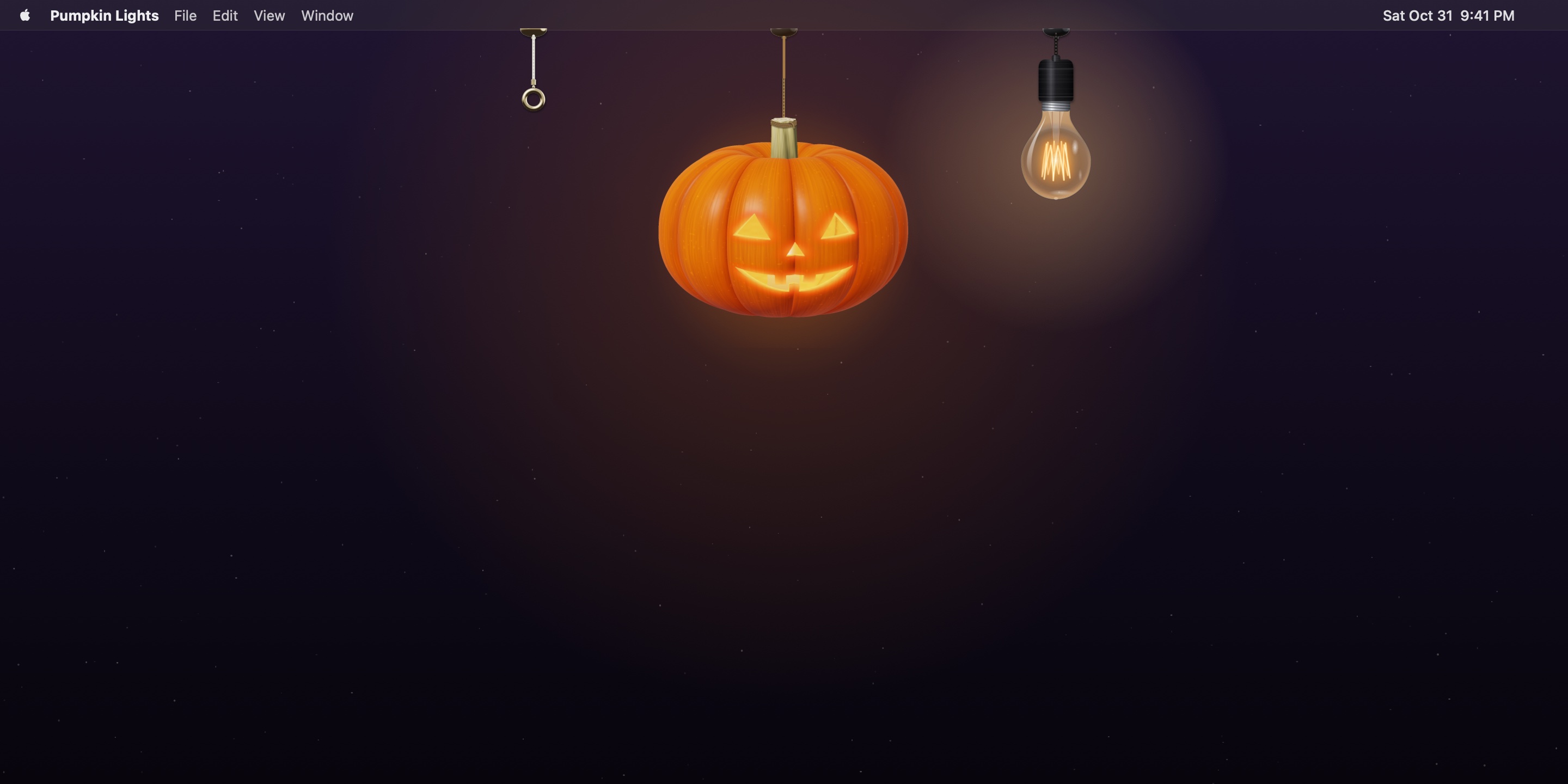
A jack-o'-lantern for your Mac's menu bar.

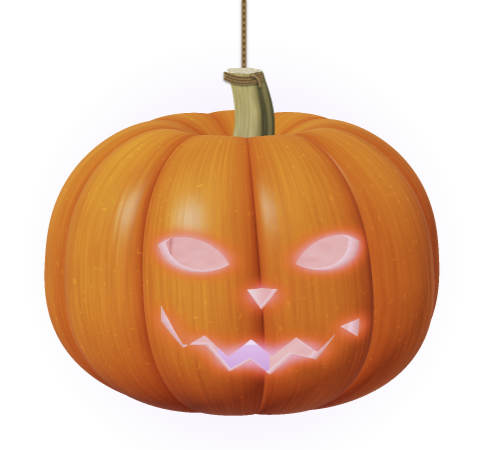
Click it to light the candle — and your whole Mac goes dark.

Pay what feels right ↓

One-time purchase. Updates included.
For Macs with Apple silicon · macOS 14 Sonoma or later

It's a light switch

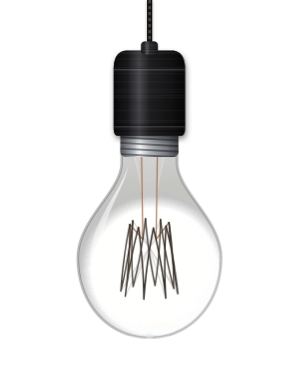
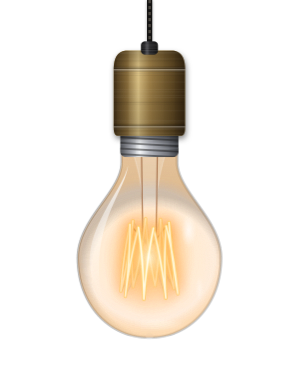
Light the pumpkin and your Mac switches to Dark Mode. Blow it out and it switches back. Pull the bulb's cord for Light Mode. Each lamp can do something else instead — keep your Mac awake, mute it, open an app, or run any Shortcut.
Carved, not drawn

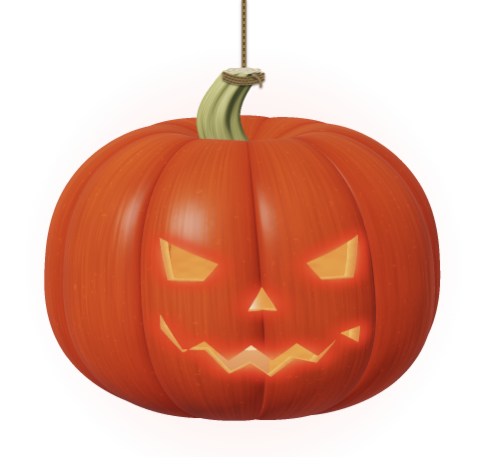
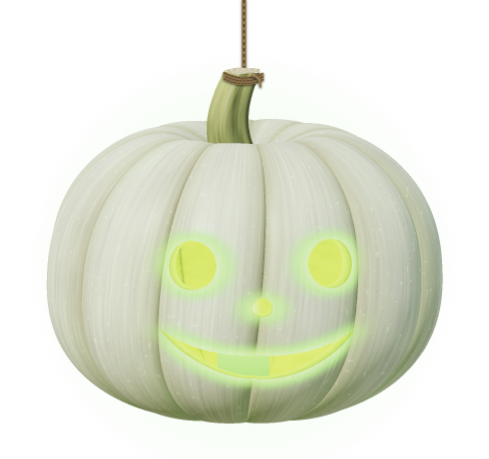
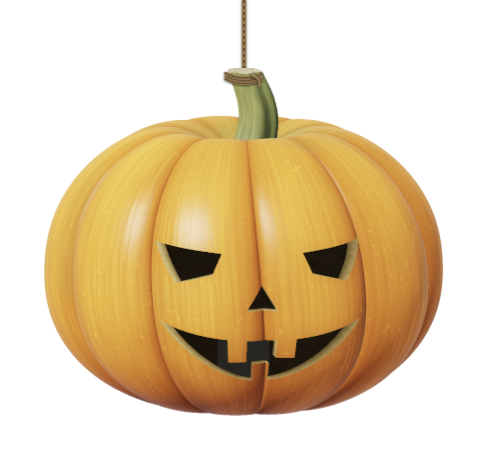
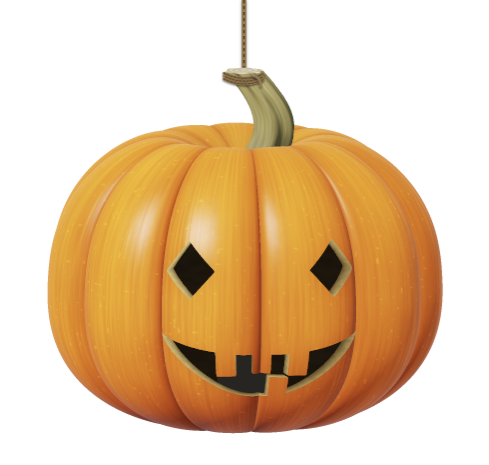
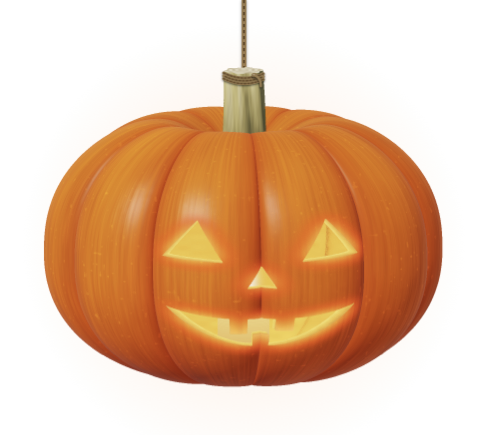
The pumpkin is ray-traced as a real object: ribbed skin with a waxy sheen, a shell with actual thickness where the face is cut, and a candle inside whose light spills through the cuts. Every pumpkin is grown at random — no two are alike.

Swing it. Pull it. Play with it.

Lamps hang on real cords. Drag them and they swing and twist; tug one straight down and it clicks like a pull switch. It runs at a steady 120 frames a second, and side-to-side swinging never switches anything by accident.

Polite by design

When you're not using it, a lamp tucks itself behind the top of the screen, leaving only a small canopy — glowing faintly if it's still on. It steps aside for Notification Center, menus and Spotlight, and comes back when you rest the pointer on its hook.

Make it yours

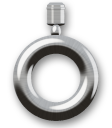
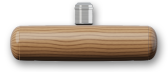
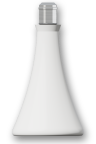
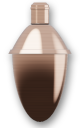
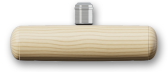
Four pumpkin varieties, four faces, four flame colours. Fittings in matte black, brushed nickel, aged brass, copper, porcelain, walnut or oak. Five kinds of cord. A pull handle shaped like a ring, a toggle bar, a bell pull or an acorn.

Pay what feels right

Same app at every price. Pick the one that feels right — the extra goes straight to making more of these.

With a tip

$6.99

Supporter

$9.99

One-time purchase. Updates included.

Questions

What do I need?

A Mac with Apple silicon running macOS 14 Sonoma or later.

What permissions does it ask for?

Switching Dark and Light Mode needs permission to control System Events — macOS asks the first time. The bulb's glass can bend whatever is behind it; that optional effect needs Screen Recording, used only for the small patch behind the bulb, processed in memory and never saved.

Does it collect any data?

No. The app has no analytics and makes no network connections.

How do I get it after buying?

Right after checkout, the download appears on screen, and Paddle emails you a receipt. Open the DMG and drag Pumpkin Lights into Applications. Every release is signed and notarized by Apple. Lost the link? Write to us with your receipt.

Can I get a refund?

If it doesn't run on your Mac and we can't fix it, yes — within 14 days. Please check the requirements before buying. See the refund policy.

Is it only for Halloween?

The pumpkin is, a little. The bulb and the pull handle work all year.